Unlock Supernova: 3 Features Users Swear By
Learn how Supernova helps you unlock full potential of your design system.

Adoption
Learn how Supernova helps you unlock full potential of your design system.
AI-powered teams produce more work, faster but speed without structure creates chaos. Designs drift from code, tokens get applied inconsistently, and handoffs break down.
The solution? A design system that's accessible, integrated, and reusable. Three Supernova features make this possible:
Here's how each one works:
Most design systems are comprehensive but hard to navigate. Developers and designers end up searching through docs, pinging each other, or just guessing. Ask AI changes that.
With Ask AI, anyone on your team can have a natural conversation with your design system documentation. Need to know which component to use for a dismissible alert? Ask. Wondering how elevation tokens should be applied? Want to understand the usage guidelines for your typography scale? Just ask.
This makes your system genuinely accessible and not just technically available, but practically useful for the people who need it, when they need it.
And for teams working with AI tools, this becomes even more powerful when paired with the Supernova MCP integration, which brings your system knowledge directly into the AI environments where your team is building.
One of the most persistent pain points in design systems is the gap between design tokens and their implementation in code. Changes get made in Figma. Developers update styles manually. Things drift, and things break.
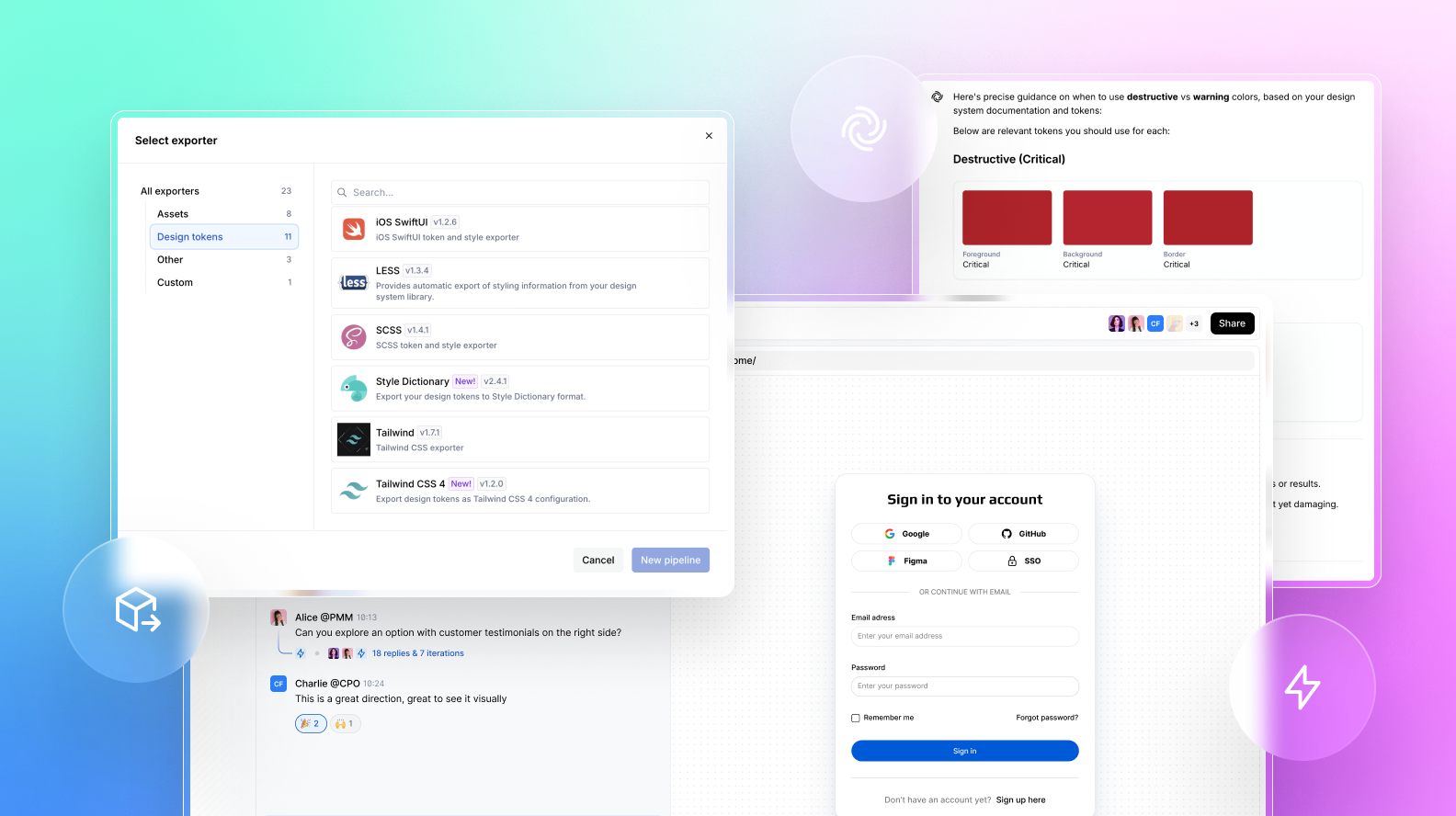
Supernova's Exporters solve this by automating the translation from design decisions to code. When your tokens update, the export reflects that, reducing the manual overhead of keeping design and engineering aligned.
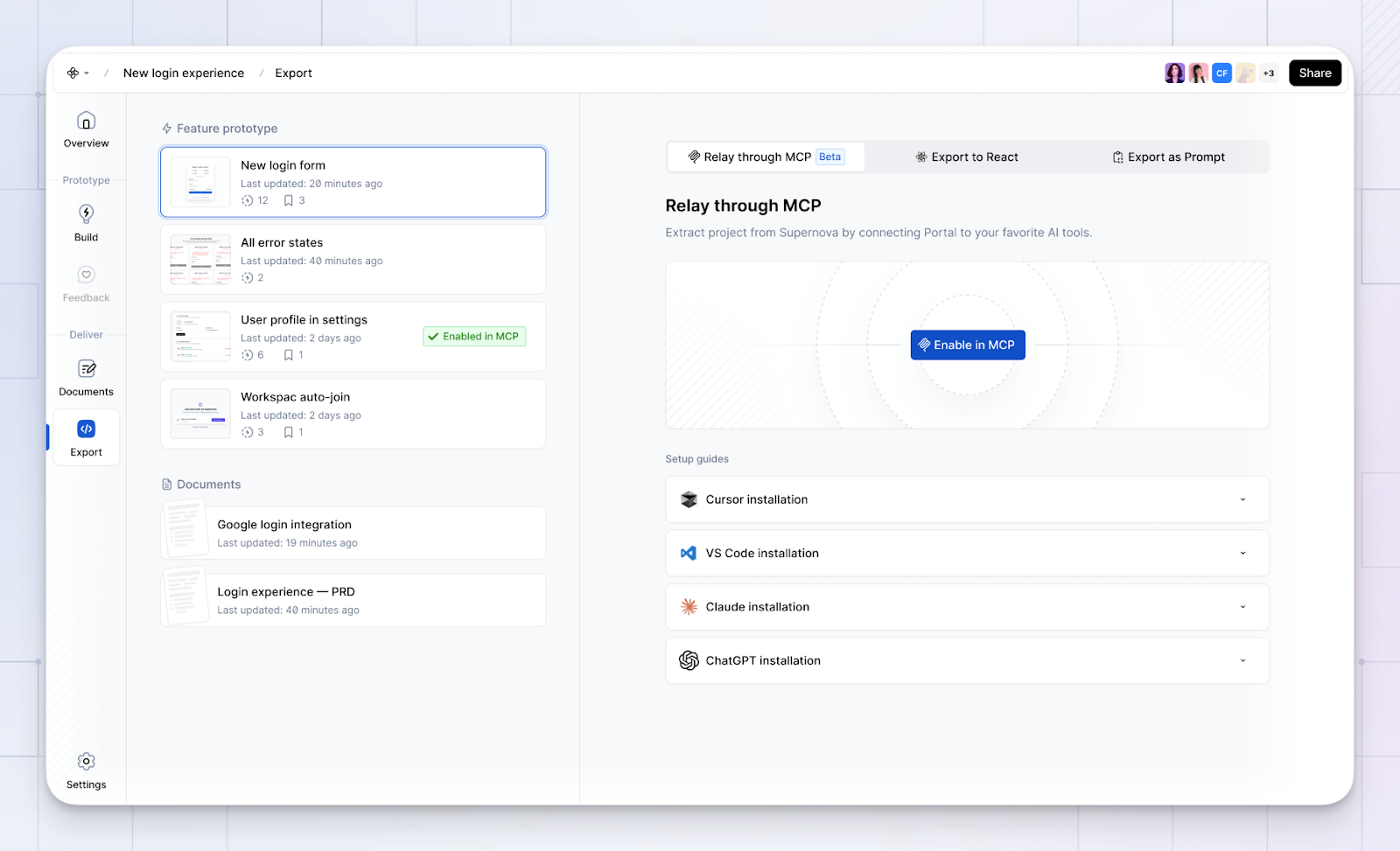
For AI-powered workflows, the MCP layer amplifies this further by giving AI coding tools the context they need to apply the right tokens and icons as components are being built.
Prototyping is where design systems often get abandoned. It's faster to grab a generic component, throw in a hex color, and move on. The result is prototypes that look nothing like what gets built.
Create AI closes that gap. You can style prototypes using your actual design tokens and documentation context, and prototype using your real component code library, not a parallel universe of one-off components.
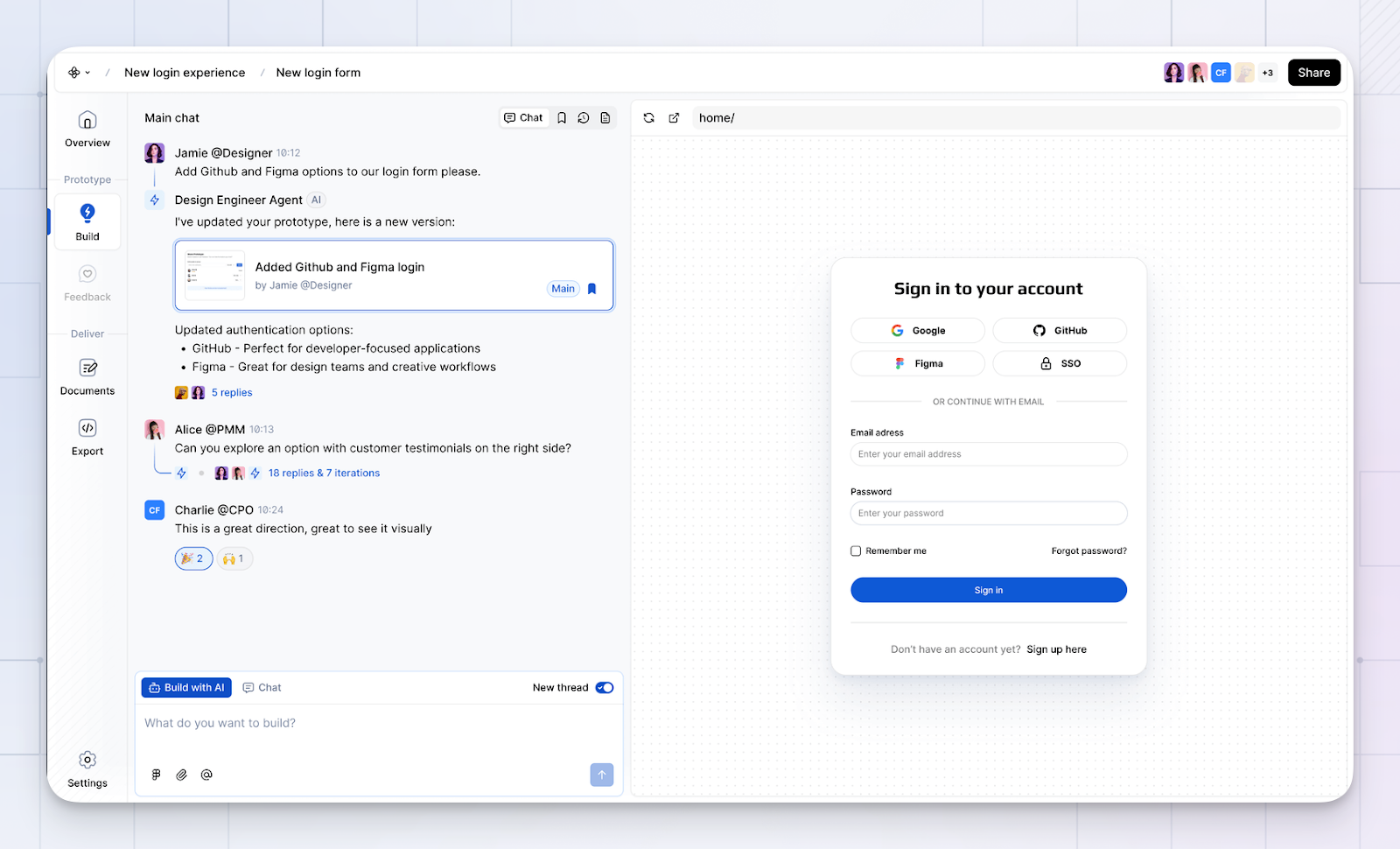
The payoff is significant: less rework when moving from prototype to production, because the prototype was built on the same foundation as production from the start.
The MCP integration adds another layer here, enabling prototypes to be exported to production-ready code with minimal friction.
Here's the thing: AI doesn't replace the need for a solid design system; it amplifies it. The faster you move, the more you need something to keep everything coherent. Teams that get this are using their design systems as the foundation for every AI-powered decision they make. Supernova makes that foundation easier to build and maintain.
Want to see these features in action? Request a demo